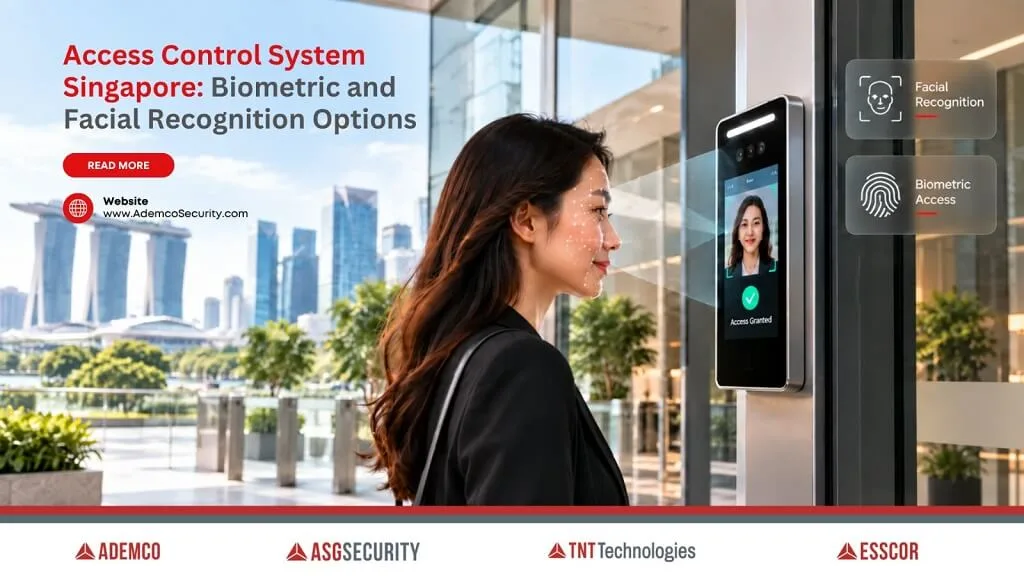
Card, fingerprint, or facial scan: choosing an access control system today means more than picking a reader. Fingerprints and facial recognition help address the age-old problem of cards being lost, shared, or lent out to a colleague, but they raise a question a lot of office managers and MCST committees don’t ask until after installation: is it even legal to collect this kind of data from people who never explicitly signed up for it?
The short answer is: yes, provided it’s done correctly. Cards, fingerprints, and facial recognition are all legal for workplace and building access in Singapore, as long as the organisation follows the Personal Data Protection Commission’s (PDPC) rules on collecting and storing biometric data. The technology choice matters less than how the data behind it gets handled.
This isn’t a grey area, either. The PDPC published a specific guide on biometric use in security applications in 2022, jointly with the Security Association Singapore, precisely because biometric data carries risks that card-based systems don’t.
In this article, we’ll walk through how these access control options actually differ, what the data rules require, and what to check before choosing one.
What Types of Access Control Systems Are Used in Singapore?
Three main types are common in Singapore, alongside a growing fourth option:
- Card-based systems – use a physical card or fob tapped against a reader. Simple and inexpensive to issue, but the card itself can be lost, shared, or lent to someone else.
- Fingerprint-based systems – use a physical trait, usually a fingerprint, matched against a stored template. A fingerprint can’t be handed to a colleague, which reduces the risk of card-sharing, though it doesn’t eliminate every access-sharing scenario.
- Facial recognition systems – identify a person from a camera image, often used at building entrances or turnstiles where a hands-free option speeds up entry.
- Mobile-based systems – use a smartphone or smartwatch as the credential, typically over Bluetooth Low Energy (BLE) or NFC. Increasingly common in offices and commercial buildings, since there’s no physical card to issue, though it relies on the user having a charged device on them.
Each type suits a different situation; no option is entirely free of trade-offs.
Biometrics and facial recognition help reduce the risk of a card being shared or duplicated, though they introduce their own data handling obligations under the PDPA. Card-based systems aren’t automatically simpler on this front either: a card tied to a named employee still generates personal data of its own, such as access permissions and entry records linked to that person, which carries handling obligations too.
In short: access control in Singapore isn’t one technology. Cards, mobile credentials, fingerprints, and facial recognition are all legitimate options, and each comes with its own data handling responsibilities under the PDPA, whether that’s protecting a biometric template or safeguarding the access records tied to a named cardholder.
Is Biometric Access Control Actually Legal in Singapore?
Yes, but it comes with specific conditions. The PDPC’s Guide on the Responsible Use of Biometric Data in Security Applications, published in 2022, sets out when organisations can collect biometric data and what they must do to protect it. Consent from the individual is the default requirement. The PDPA does set out specific, narrow exceptions, such as using biometric data to improve security operations as part of their normal business activities, but an organisation still needs to be able to justify why a particular exception genuinely applies, rather than treating it as a default way around asking.
Individuals may request access to the biometric samples collected about them, such as a photo or fingerprint scan. However, the PDPC states that organisations generally don’t need to provide the biometric template itself, since the template is built for use within that specific recognition system, and disclosing it could compromise the security and integrity of the application.
The bottomline: biometric access control is legal in Singapore under the PDPA, but it requires proper consent handling and protection of the biometric templates, which the PDPC treats as sensitive commercial data in their own right, not just personal data.
How Should Biometric Data Actually Be Protected?
This is where a lot of installations fall short, not on the technology, but on the handling afterwards. The PDPC’s guide recommends specific safeguards across the full lifecycle of the data, from collection to eventual disposal.
Encryption of stored templates is expected, both when the data is sitting in a system and when it’s being transmitted. For facial recognition specifically, the guide recommends anti-spoofing measures such as liveness detection, and placing facial recognition access points near a staffed security post as an added deterrent against someone trying to trick the system with a photo or video. When a system is decommissioned, the guide expects permanent destruction of the data, not just deletion from a visible file list.
| Access type | What’s stored | Key protection requirement |
| Card-based | Card ID number | Basic access logs, no biometric data involved |
| Fingerprint | Biometric template | Encryption, restricted access, secure disposal |
| Facial recognition | Biometric template plus liveness checks | Encryption, anti-spoofing measures, staffed oversight recommended |
Put simply: protecting biometric data isn’t just about installing the reader correctly. It covers encryption, anti-spoofing checks for facial recognition, and a proper process for permanently destroying the data if the system is ever decommissioned.
Which Option Fits Different Types of Buildings?
Offices with moderate security needs often use card-based access for general staff, sometimes layering biometrics at higher-security zones like server rooms. Residential estates increasingly use app-based or biometric access at common entrances to cut down on lost cards and unauthorised sharing. Facial recognition tends to suit high-traffic entrances, such as office lobbies or condo main gates, where a hands-free option speeds up daily entry.
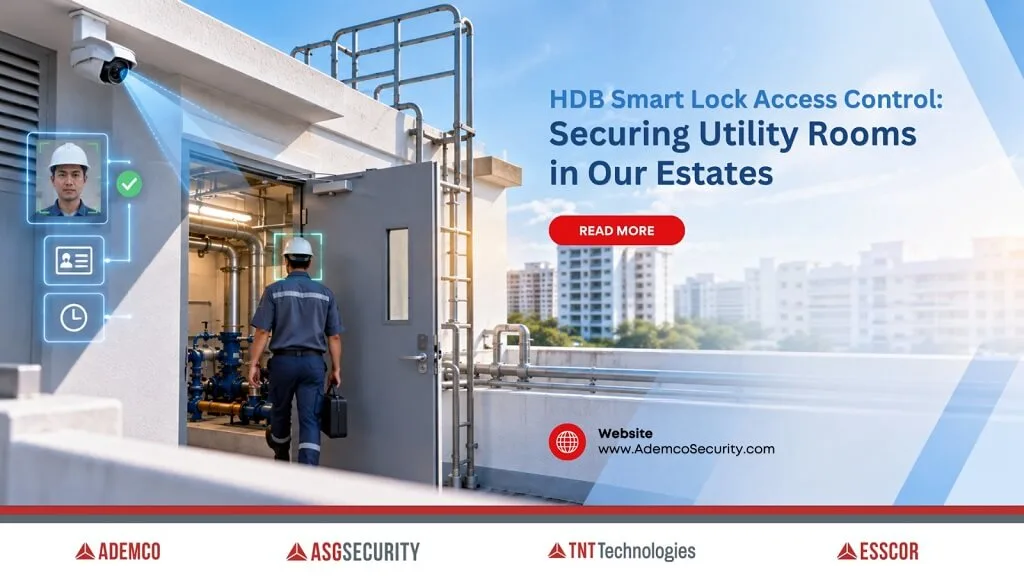
For estates, access control can also extend beyond main entrances to utility and infrastructure spaces, Ademco’s Fast & Secure Access (FSA) @ HDB solution is one example, designed to manage access to restricted areas such as utility rooms. It uses a multi-step authorisation process, including mobile verification and facial recognition, to strengthen access control for higher-security areas.
We won’t claim any single option is foolproof. Facial recognition and fingerprints both reduce card sharing, but no access control system removes the need for good process around who gets enrolled in the first place and how quickly a departing staff member’s access gets revoked.
What Should You Ask Before Installing Biometric Access Control?
A few direct questions help before committing to a system. Has consent been properly obtained from everyone being enrolled, or is the organisation relying on a specific PDPA exception, and can that be justified if challenged? Are the stored templates encrypted both at rest and in transit? What happens to the biometric data if the system is replaced or the building changes management?
If a vendor can’t answer these clearly, that’s worth treating as a warning sign before installation, not after.
Frequently Asked Questions
Do I need consent from every employee before installing fingerprint access control?
Generally yes, though certain PDPA exceptions may apply depending on the use case, such as using the data purely to improve security operations. It’s worth checking your specific situation against the PDPC’s guide rather than assuming consent isn’t needed.
Can facial recognition access control be fooled by a photo?
Potentially, yes, if the system has no safeguards against it. This is exactly why the PDPC recommends liveness detection and placing facial recognition points near staffed security posts, since these measures are specifically designed to catch spoofing attempts using photos or recordings.
What happens to my biometric data if I leave a job or move out of a condo?
The PDPC’s guidance expects organisations to have a disposal process for biometric data when it’s no longer needed, including permanent destruction if a system is decommissioned. It’s reasonable to ask your building management or employer directly what their retention policy is.
Is a card-based system less secure than biometrics?
Not necessarily less secure, but it carries a different risk. Cards can be lost, shared, or duplicated, while biometrics remove that specific risk but introduce their own data protection obligations. That said, a card isn’t automatically free of data handling responsibility either: if it’s tied to a named employee, the access records linked to that card are personal data too.
Can different access types be combined in one building?
Yes, this is common. Many sites use cards for general access and add biometric or facial recognition checks at higher-security areas, rather than applying one method across the entire building.
If you’re weighing up access control options for an office, estate, or utility area, it’s worth working through which technology fits your site’s actual risk profile. Get in touch with our team to talk through the right setup for your building.